Music Source Settings 
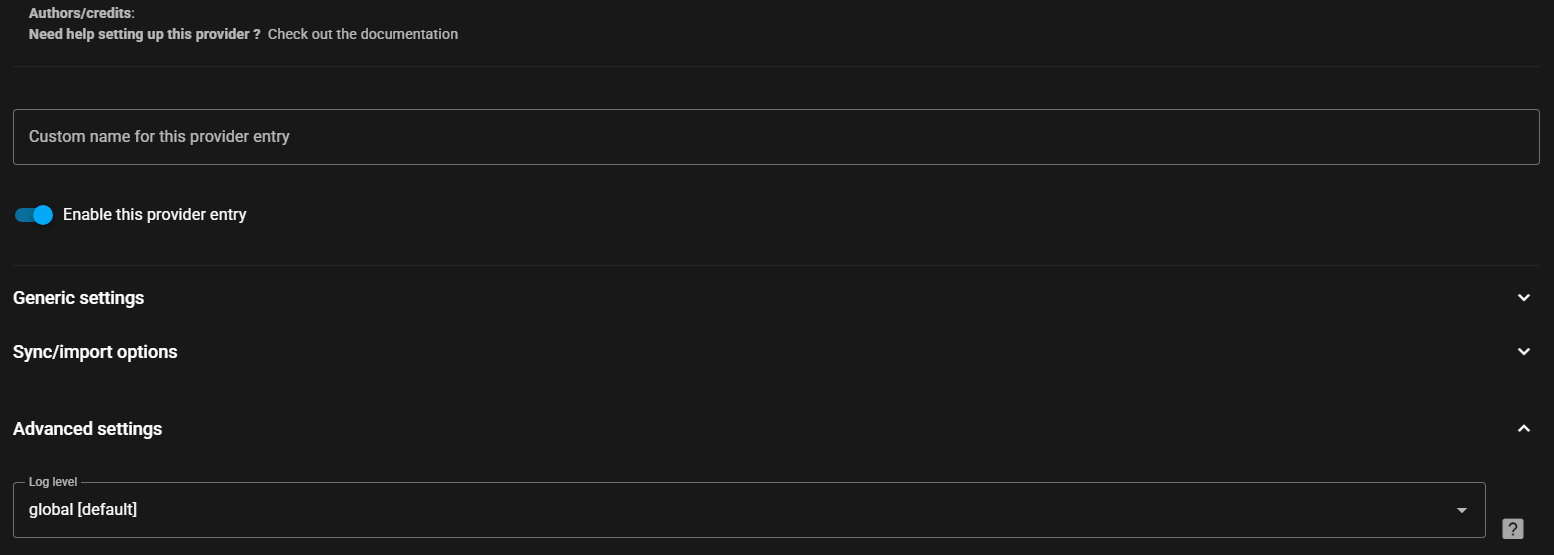
Section titled “Music Source Settings ”All Music Sources have settings which can be configured. The settings page will look similar to the following. The question mark icon in the top right is a hyperlink to the relevant page in this documentation. Specific help for a setting or configurable field is often available and is accessed by selecting this icon  . All sources can be given a custom name and disabled if necessary. The log level can be adjusted for all sources and this is found by enabling the “Show advanced settings” toggle. (Do not select Verbose unless asked for by a dev as it can have an adverse performance impact). See the specific music source pages for source specific settings.