

Radio Browser 
Section titled “Radio Browser ”Music Assistant has support for RadioBrowser which allows easy addition of online radio stations to Music Assistant.
Features
Section titled “Features”| Subscription FREE | Yes |
| Self-Hosted Local Media | No |
| Media Types Supported | Radio |
| Recommendations Supported | No |
| Lyrics Supported | No |
| Radio Mode | No |
| Maximum Stream Quality | Varies by station |
| Login Method | None |
- Browse by country, by tag, or by popularity
Configuration
Section titled “Configuration”- In the configuration, you only need to click the save button.
The Radio provider doesn’t add stations to the ‘radiostation’ tab by default.
-
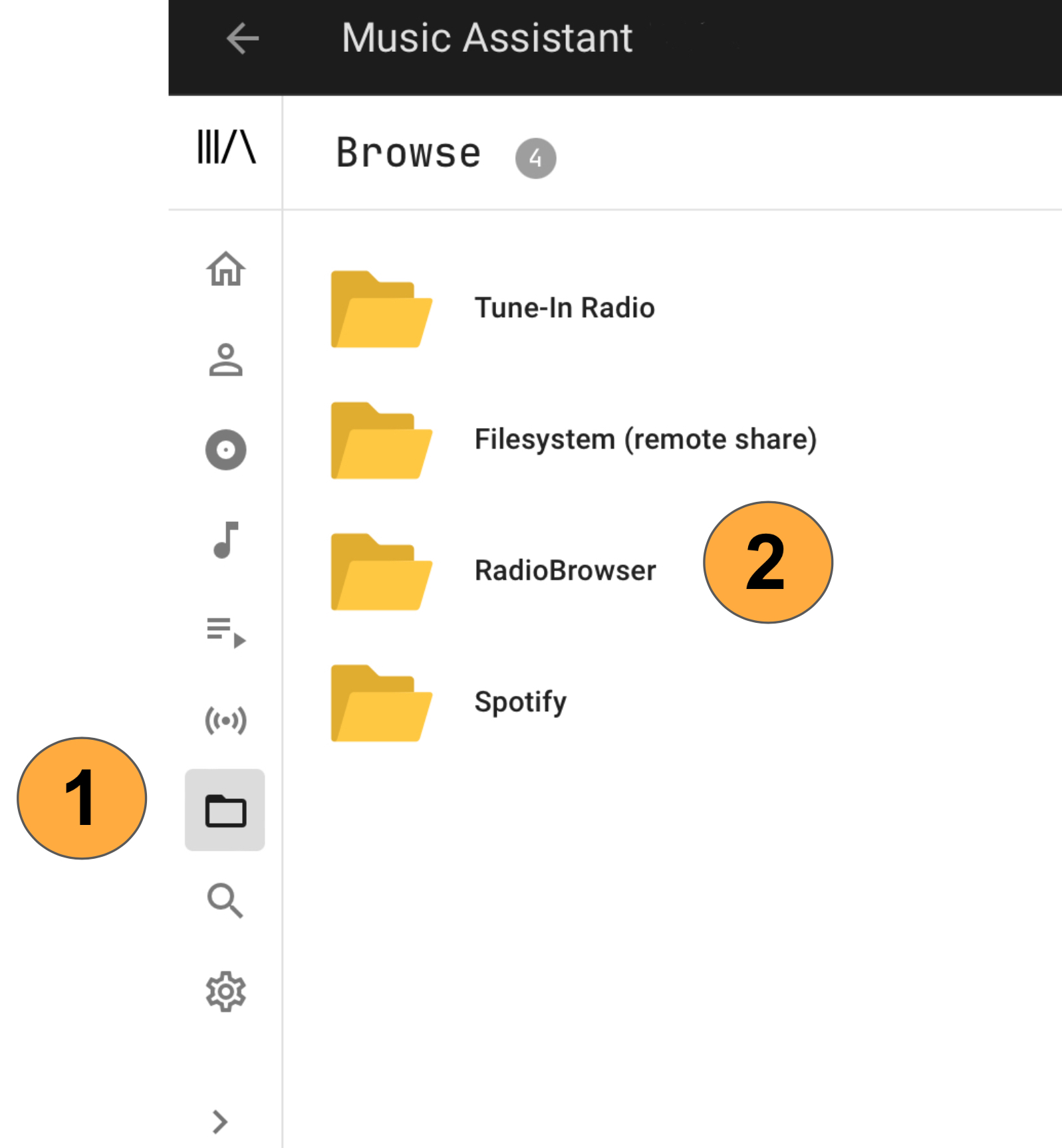
In the left hand menu you need to select ‘browse’
-
Then click ‘RadioBrowser’
-
Then navigate to the radio-station you want to listen to
-
Click play now or add to library
After completing step 4 the station will become available in the Radio view
Known Issues / Notes
Section titled “Known Issues / Notes”When browsing the various Radio Browser categories, results are limited to the first 1000. For categories with more than 1000 stations use the search function.